Monthly logbook with an AI draft
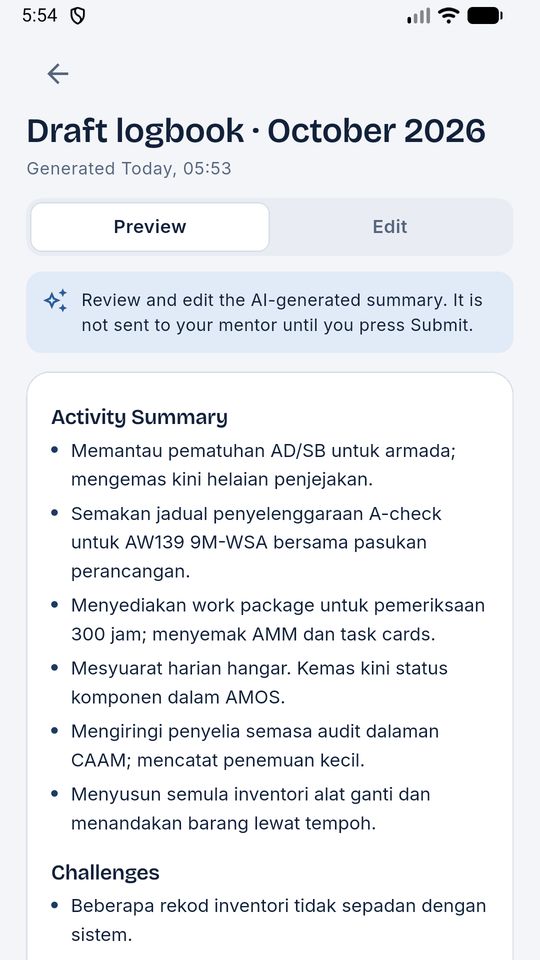
Turn the month's daily logs into a draft summary. The draft is generated on the website's server from your own logs. Check it, edit it, then send it to your supervisor.
Draft · you review it
The companion app for prowiragraduan.com. Write daily logs, draft your monthly logbook, apply for leave and check your allowance: the same records the website keeps, updated live.
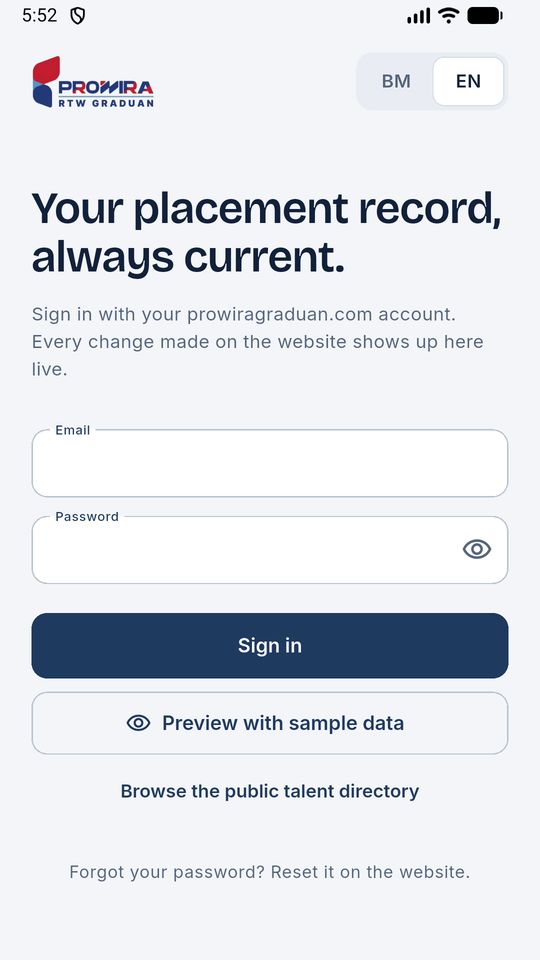
Sign in with your existing prowiragraduan.com account. The app does not create new accounts.
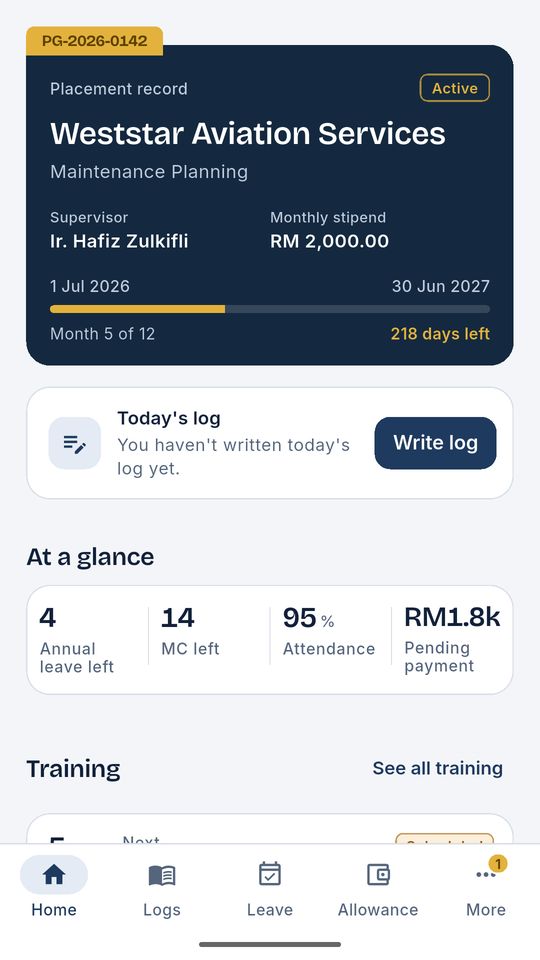
01 · Roles
Your role on prowiragraduan.com decides which version opens when you sign in. Each desk sees only what the website already allows it to see.
Your placement record card, today's log prompt, the monthly logbook, leave balances, allowance and payslips, attendance, training and feedback.
Review graduates' logbooks, approve leave, record attendance and performance, run training and evaluations, and move candidates through the talent pipeline.
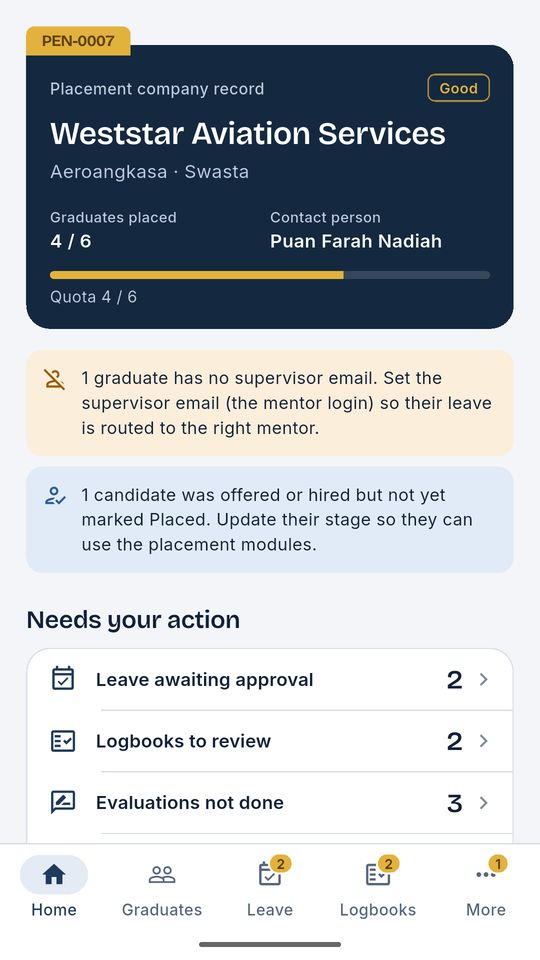
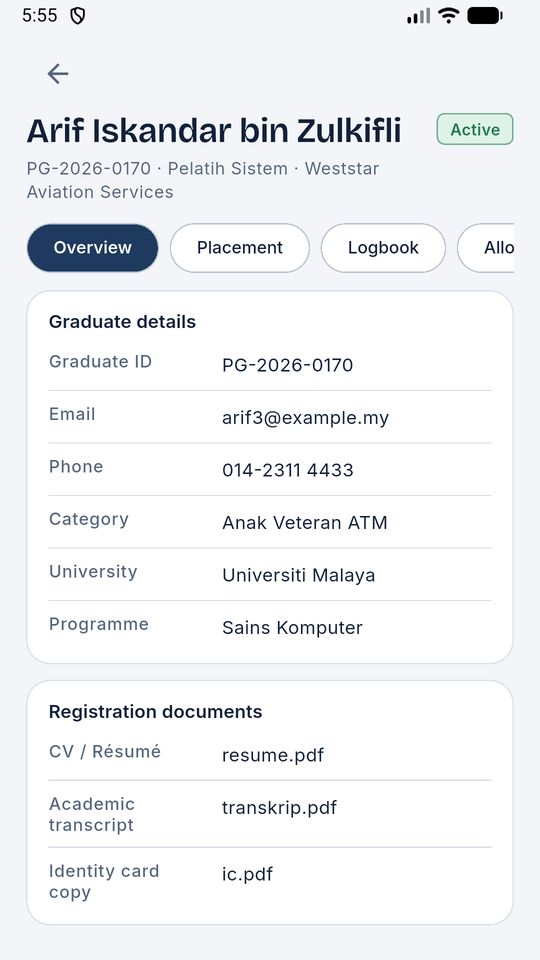
Follow your talent files, assign placement companies, review applicant requests, view allowance payments and give feedback.
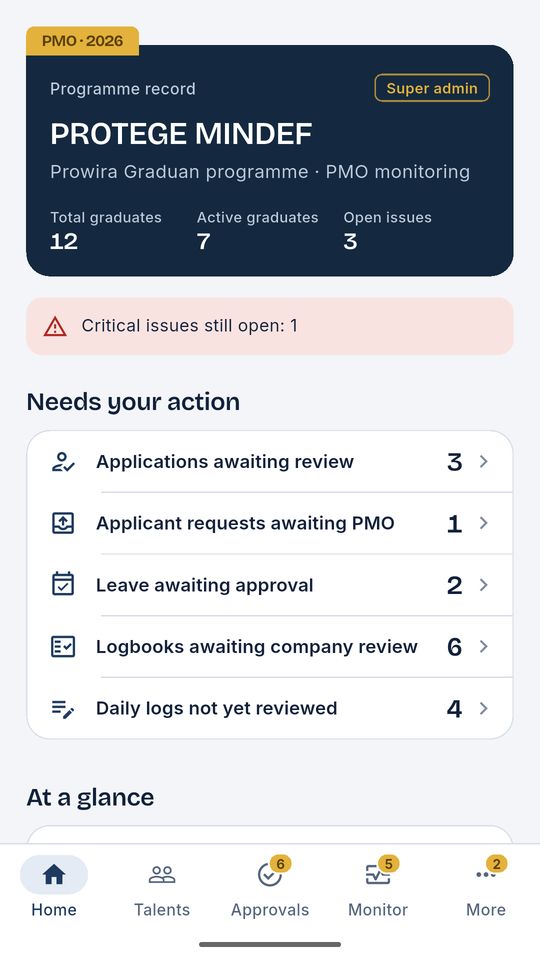
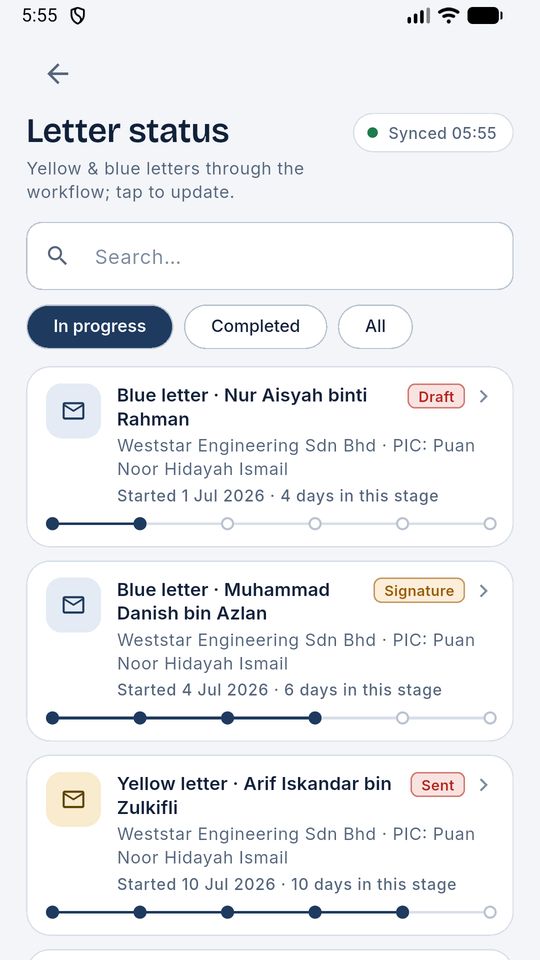
The programme record at a glance: approvals, monitoring, letter status, finance and allowance approvals, KPIs and PDF reports.
02 · Features
For graduates, every tab matches a page on the website, so there is nothing new to learn.
Turn the month's daily logs into a draft summary. The draft is generated on the website's server from your own logs. Check it, edit it, then send it to your supervisor.
Draft · you review itToday's activities, challenges and learnings. Save drafts and edit by month.
Annual and medical leave balances, apply for a range or a half day, attach an MC photo, withdraw a request.
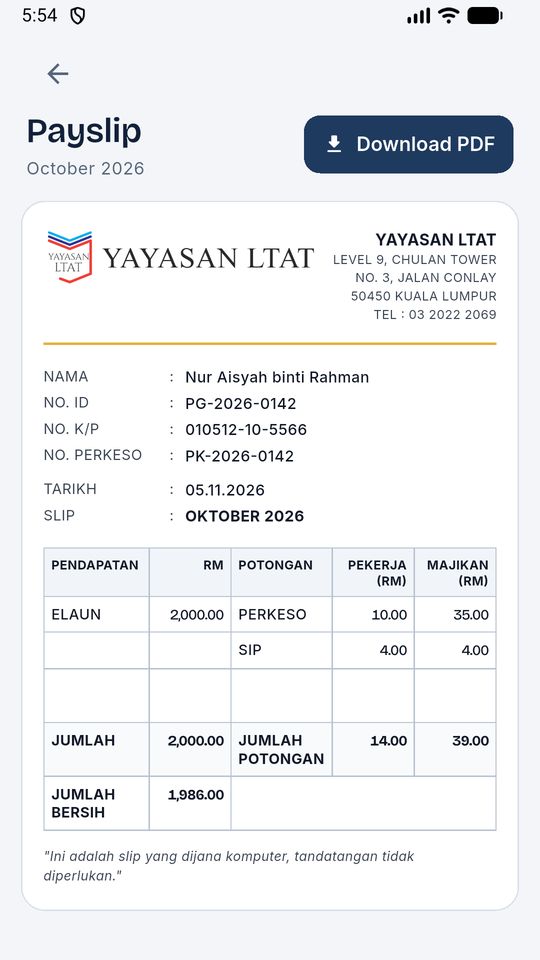
Monthly stipend, received and pending totals, and a payslip PDF for each paid month.
Your attendance summary and the evaluations your company records.
Upcoming and past sessions, the next one on your home screen, and programme feedback.
Update your phone, address, skills, profile summary and CGPA, and change your profile photo.
Also: notifications with an unread badge, payslips and PDF reports that open inside the app, and light and dark themes.
03 · Allowance
The Allowance tab lists each month's payroll record as the website does: working days, full or prorated, paid or pending. This chart is only an illustration; the numbers are invented.
04 · Live
Your supervisor approves leave, the PMO approves a payment, or a new notice is posted.
While the app is open it asks the website whether anything changed. If nothing did, the answer is empty and costs almost no data.
A banner appears at the top of the screen. Tap it to open the section that changed.
05 · Screens
All screenshots use sample data from the app's preview mode. Scroll sideways for more.
06 · Your data
The app is a window onto the website, not a separate store. Here is what is kept, and where.
Your programme record is held on the website's servers and sent to the app over HTTPS. It includes:
Who can see it follows the programme's rules: you, your placement and implementing companies, and the PMO.
Signing out deletes the token and the profile copy; uninstalling the app removes everything.
07 · FAQ
No. Accounts are created on prowiragraduan.com through the programme. The app only signs you in with the account you already have.
The same people as on the website: you, your placement company (supervisor or mentor), your implementing company (logbook, read-only) and the PMO.
No. It is a draft written from your own daily logs. You are responsible for checking and editing it before you send it to your supervisor.
No. The app is free and has no ads. It uses a little mobile data to check for updates while it is open.
Accounts belong to the programme, so deletion is requested from the programme office (PMO) by e-mail. Signing out deletes your sign-in token and profile copy from the phone straight away. Step by step
Sign in with your prowiragraduan.com account and pick up where the website left off.
Package com.weststar.prowira_mobile